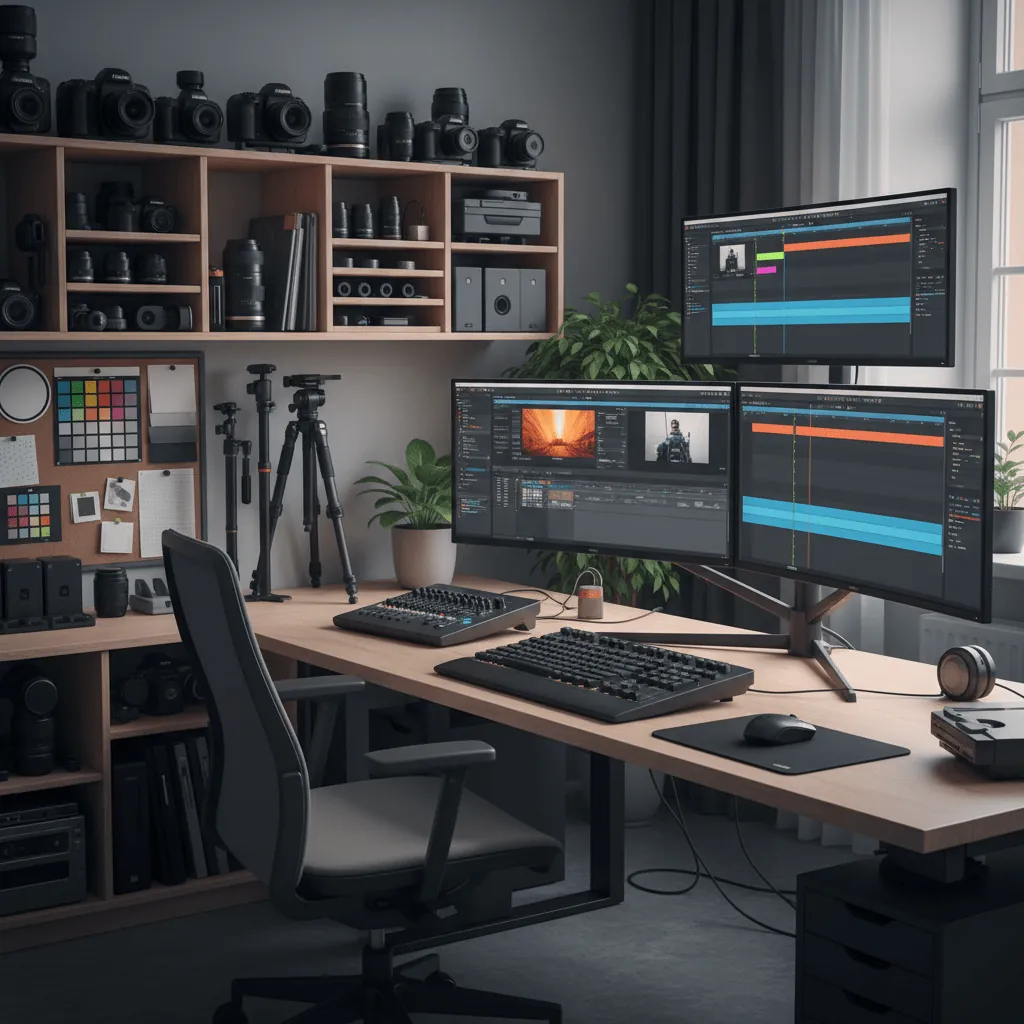
Let me ask you something. How much of your video production day actually goes toward making creative decisions?
If you’re like most production teams in Dubai — or anywhere, really — the answer is probably “not enough.” The reality is that a huge chunk of any video project is eaten up by logistical chaos. File management, version control, export settings, client feedback loops, project organization. All the boring stuff that nobody talks about in the glossy behind-the-scenes content.
Over the years at JJ Agency Films, we’ve developed a workflow that flips that ratio. More time for creativity, less time for administrative nonsense. Here’s how we do it.
Start With a Solid Pre-Production System
Most workflow problems start before a single frame is shot. If your pre-production is sloppy, everything downstream is a mess.
Here’s what we use:
- Notion for project management — Every project gets a dedicated dashboard with timelines, deliverables, client contact info, location permits, talent releases, and shot lists. All in one place. No more digging through email threads to find the approved script version.
- Google Sheets for production schedules — Shared in real-time with the entire crew. When call times change, everyone sees it instantly. No more WhatsApp group confusion.
- StudioBinder for script breakdowns — It’s an industry standard for a reason. Lets you break down scenes, track props and wardrobe, and generate call sheets automatically.
The goal is simple: when you walk onto set, everyone already knows their job, their schedule, and what’s expected. No fifteen-minute stand-up meetings at 7 AM.
Smart File Management on Set
This is the one that breaks most productions. You shoot a full day, come back to the studio, and suddenly nobody can find the B-camera footage or the audio files from the third interview.
Our system: every camera operator uses a standardized folder structure on their cards. The first thing we do when a card comes off the camera is copy it to two locations — the main NAS and a backup drive. Then we run a checksum verification to make sure nothing got corrupted.
For cloud backup, we use Backblaze synced with our NAS. That way, even if something catastrophic happens to the office, the footage is safe. It’s overkill 99% of the time. But that 1% where it saves a project? Absolutely worth it.
Post-Production: Where Time Really Disappears
Post is where good workflows either save you days or lose you a deadline. Here’s what works for us.
Proxy Workflows Are Non-Negotiable
If you’re editing 4K or 6K footage directly, stop. Just stop. Transcode to ProRes Proxy or similar lightweight formats before you start cutting. It makes the NLE responsive, lets you use less powerful hardware in the edit bay, and your colorist will thank you when they relink to the originals for grading.
Use Collaboration Tools Properly
Frame.io is the industry standard for a reason. Clients can leave timecode-specific feedback, editors can respond directly in the timeline, and everything is versioned automatically. No more “which version of this video am I watching?” We use it for every single project, no exceptions.
Automate the Repetitive Stuff
DaVinci Resolve and Premiere Pro both support scripts and macros. We’ve automated things like creating project folders, setting up timelines with standard track layouts, adding color bars and countdowns, and even basic color corrections that apply to every project by default. It saves maybe 20 minutes per project. Multiply that by 50 projects a year and you’ve recovered a full work week.
The Tools We Actually Use
There’s no shortage of “best gear for video production” articles out there. Most of them are thinly disguised affiliate marketing. Here’s what we actually rely on at JJ Agency, in no particular order:
- DaVinci Resolve Studio — Primary NLE and color grading. The free version is great, but the studio version gets you noise reduction, speed warp, and remote grading.
- Premiere Pro — Still our go-to for multi-cam edits and projects where the editors prefer the Adobe ecosystem. It’s a personal preference thing.
- Frame.io — Client review and collaboration. Worth every dirham.
- Backblaze / Synology NAS — Backup infrastructure. Sync locally and to the cloud.
- Notion — Project management. Flexible enough to adapt to any project type.
- CineSync — For remote color review sessions with clients who need to see the grade on an calibrated display.
- Slack — Internal team communication with channel-based project organization.
When your production team is spread across cities or continents, these tools become even more critical. Learn how to coordinate Dubai productions remotely with the right mix of technology and local expertise.
The One Workflow Rule That Changed Everything
If I had to pick the single most impactful workflow improvement we’ve made, it’s this: finish the rough cut in one sitting.
Don’t stop to tweak a transition. Don’t spend an hour finding the perfect music track. Don’t start color grading before the edit is locked. Just assemble the story. Get it on the timeline. Watch it through. Then — and only then — start polishing.
It sounds obvious. But almost every editor I know struggles with this. They get distracted by the shiny tools before the structure is solid. A workflow isn’t just about software and folder structures. It’s about discipline.
Wrapping Up
Here’s the thing about video production workflows: there’s no magic tool that fixes everything. The best workflow is the one you actually follow consistently. Start with the basics — solid pre-production, smart file management, proxy editing, client collaboration tools — and iterate from there.
At JJ Agency Films, we’ve optimized our process over hundreds of projects. Not because we’re obsessive (well, maybe a little), but because every minute we save on logistics is a minute we can spend making the actual video better. And that’s what clients ultimately pay for.
Looking for a reliable video production agency in the UAE? From concept development to final delivery, professional production partners help bring your vision to life.
For more on video production best practices, explore industry resources and stay updated on the latest developments.